
Brief a software video ad in Creatify without losing product accuracy
Use Creatify Ad Agent to develop a concept, then check each product claim and screen against an approved SaaS demonstration.
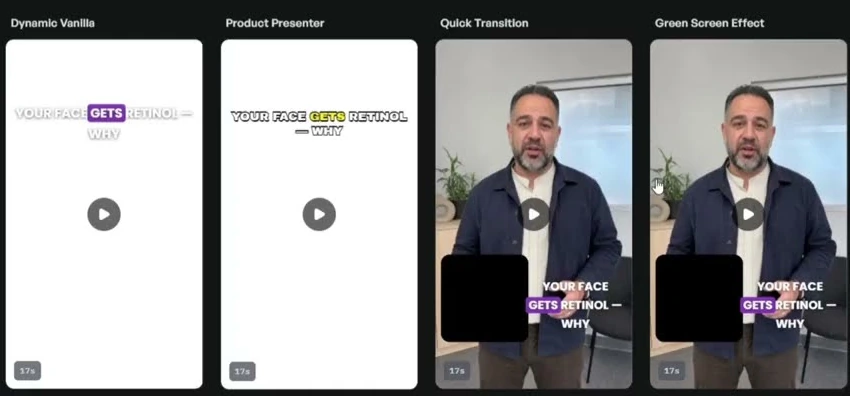
A product URL is a useful starting point for an AI video ad. It gives the tool context, but a public sales page can mix present-day features, future announcements and abbreviated claims that depend on footnotes. Creatify’s Ad Agent accepts a product URL or uploaded assets and can draft a concept before it renders a video. Use that pause to decide exactly what a viewer should believe after seeing the ad.
Prepare a small evidence pack
Imagine advertising a tool that turns approved time entries into a draft invoice. Collect the public page, a short capture from a demonstration account, an approved phrase describing the feature and a screenshot of the draft invoice. Write down the conditions. Entries must be approved first, and a person still checks the invoice before sending it. Remove customer names, real billing details and internal conversations from the assets.
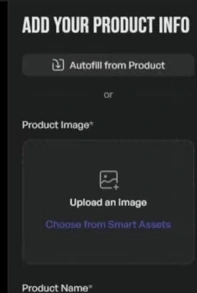
Define the next step. If the ad sends viewers to a feature page with a trial signup, say which account level supports the feature and what a new user can actually test. Ask a teammate to follow that journey. The creative can then promise a useful action the landing page supports rather than relying on a broad claim about saving time.
Request a concept and check its assumptions
Provide the approved assets or URL in Ad Agent and request a concept and script for review before video generation. Specify the intended buyer, duration, format, action and boundaries of the product claim. For the invoice example, ask for the transition from approved entries to a draft ready for review. Tell the tool to use the supplied interface capture for operational steps and identify where narration should name the required approval.
Read the proposed copy line by line. Flag any statement implying that an invoice has been paid, automatically sent or checked for compliance. Match each visual to its corresponding line. A generic image of a completed payment may contradict accurate narration about an invoice draft. Request precise changes, such as replacing the final shot with the real draft status, before rendering the next take.
Inspect the exported story in context
Watch the result once without sound. Does the sequence still communicate what the product did? Then listen without watching. Does the narration imply anything that the footage cannot support? Review the spelling of product names, legibility at the placement size and rights for supplied or generated elements. Creatify supports requesting edits through chat, including feedback on specific moments. Keep the approved take and the change requests together.
For a buying decision, compare the time and effort to reach an approved ad with the alternative of editing the same capture directly. Include product review and revisions in that assessment. If your campaign needs variants, keep one verified proof scene constant and vary the hook or audience context deliberately. A fresh concept remains useful only while every version leads the buyer to the same accurate understanding of the product.